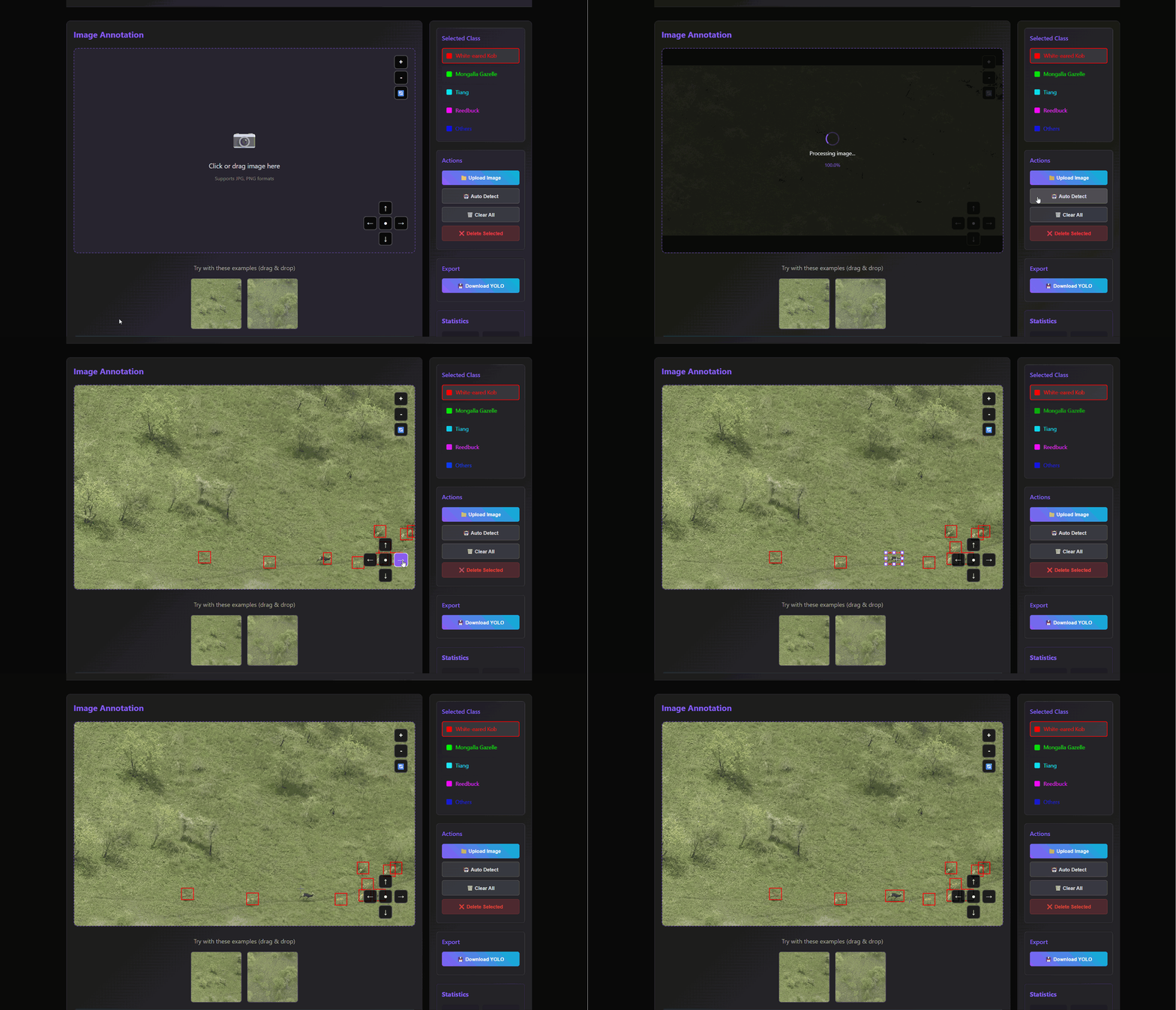
How to use · AI-assisted Annotation Online
Step-by-step tips for this workspace.
Full written guide:
Detailed Operation Guide (external)
Quick reference
- Upload an image (supports large images)
- Use zoom/pan controls for navigation
- Mouse wheel to zoom in/out on image
- Drag empty areas to pan the image
- Select a class and draw boxes
- Click and drag to create boxes
- Right-click to exit drawing mode
- Click boxes to select/edit
- Click class options to change selected box class
- Drag handles to resize selected box
- Use Auto Detect for initial boxes
- Edit auto-detected boxes manually
- Press Delete to remove selected box
- Download YOLO format results